Team password management
Create organization vaults, share credentials with the people who need them, and manage employee access from Armory.
Give your team one secure place for work credentials, stop phishing before a password is entered, and keep control when someone loses access or leaves the company.
$4 per user each month. Built for teams without a full-time security staff.
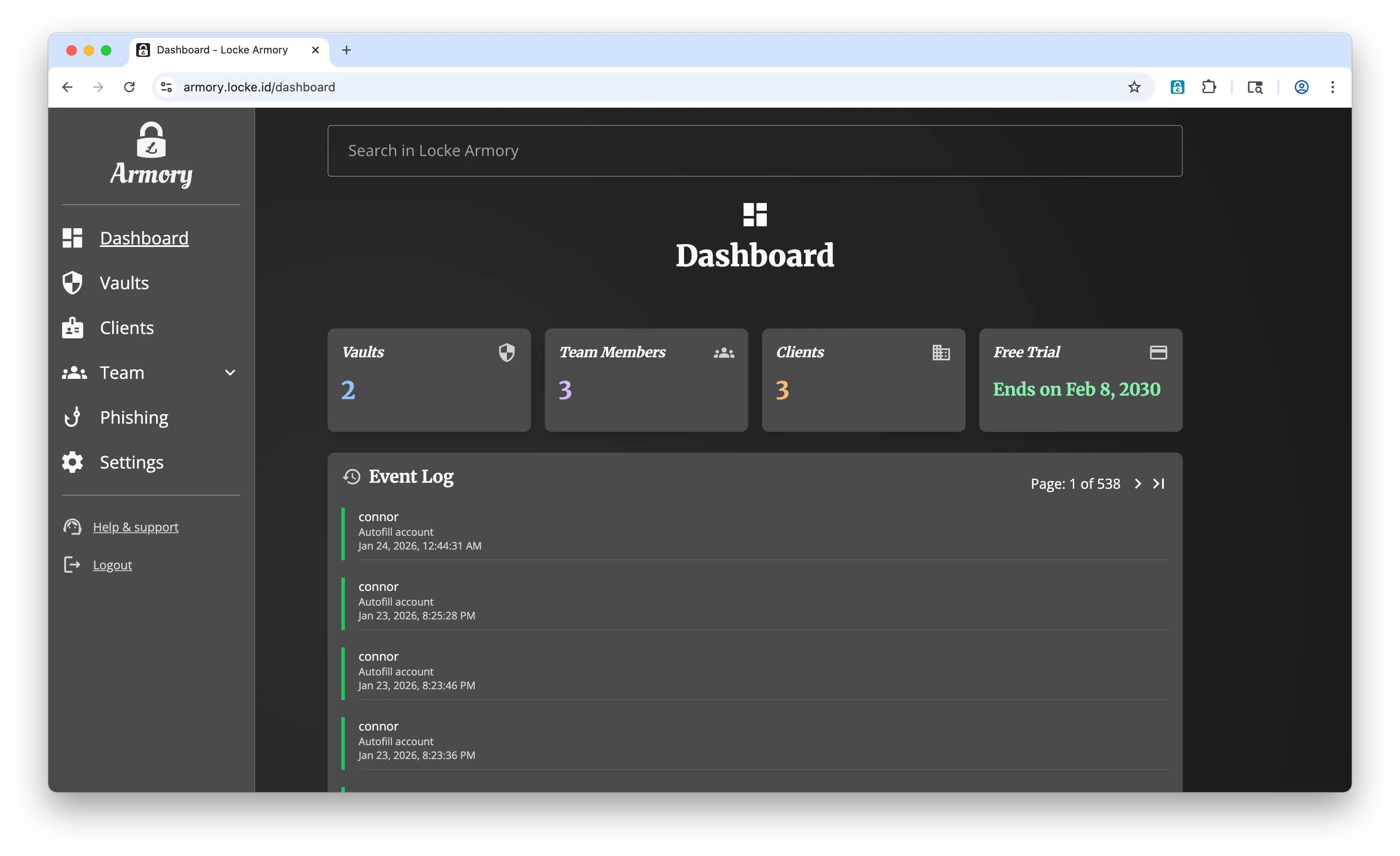

Shared passwords end up in chats and spreadsheets. Departing employees stay signed in. One lost master password can become a business emergency. Armory gives you a practical control for each problem.
Keep company credentials in organization vaults instead of messages, documents, or one employee's browser.
Remove vault access and clear local website sessions from connected browsers while provider deprovisioning catches up.
Use several trusted people to restore access without giving any one person control of the recovery key.
A password vault is the starting point. Locke also helps your team recognize impersonation, recover encrypted accounts, and contain active browser sessions.
Create organization vaults, share credentials with the people who need them, and manage employee access from Armory.
The Locke browser extension warns employees when a website appears to impersonate a service they trust.
Trusted Circle splits recovery responsibility across people you choose. No recovery file to lose and no single guardian can recover an account alone.
Nuke Sessions clears website cookies and site storage from connected browser profiles, reloads open tabs, and revokes Locke sessions.
See how browser-session clearing worksEmployees use Locke to save and autofill credentials in the browser and on mobile. Administrators manage shared vaults, roles, recovery, and security events from one business console.
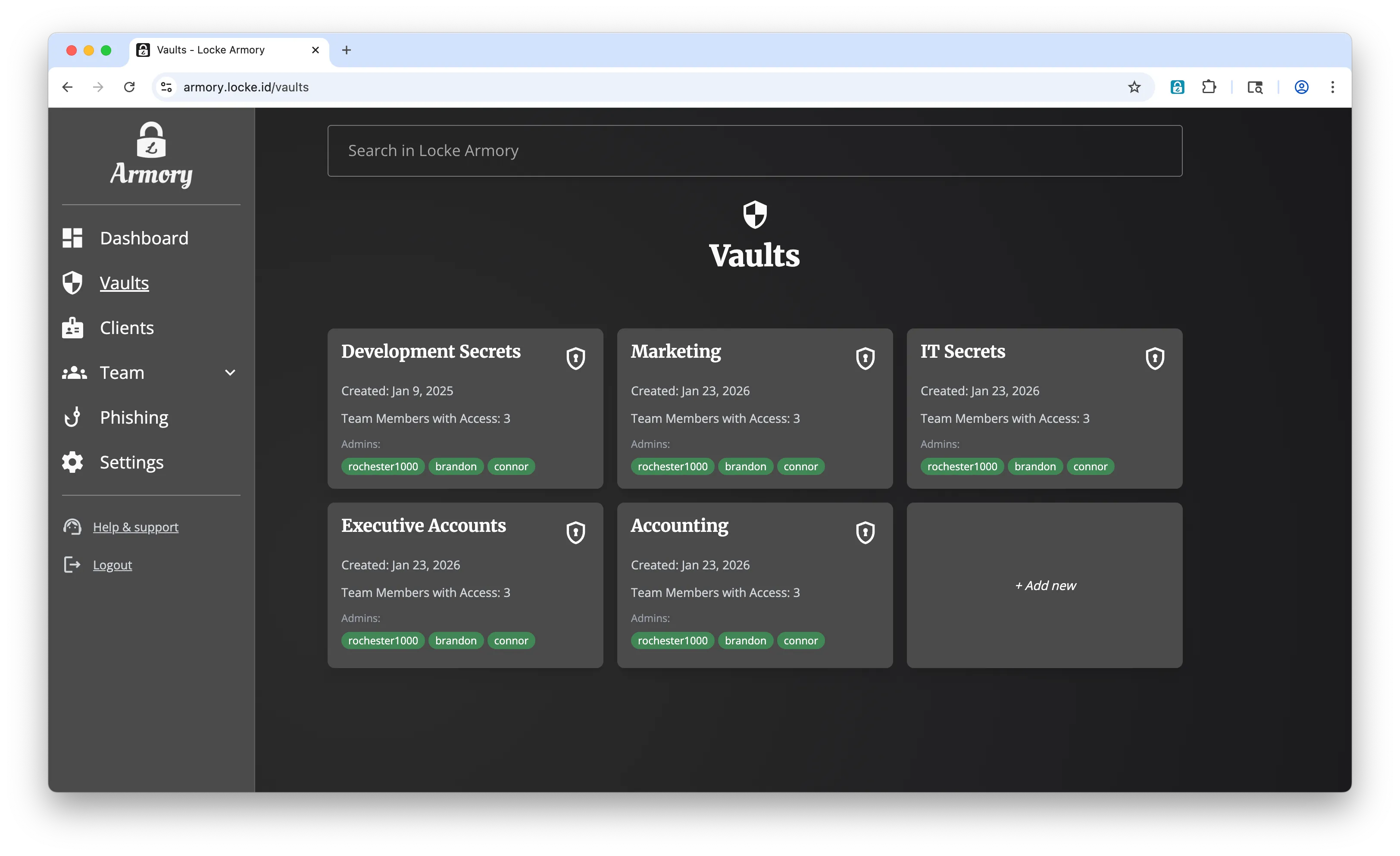
Start with secure team vaults today, then add phishing protection, recovery, and offboarding controls without adding another security console.